Olympus in your hand
Gates of Olympus on mobile.
Choose a version, read its rules and open a demo from your phone. Demo access remains subject to the provider and your location.

Original Olympus illustration; real game screens appear separately.
Keep the controls readable
Use the orientation that makes the game controls easiest to read. Check the bet and balance before spinning, especially after rotating the phone or reopening a tab. Zooming an information page is different from changing the game’s own layout.
Opening a provider demo
A demo link opens the provider’s site. Your browser, network or regional restrictions may affect loading. If it does not open, return to the version guide and consult the provider page. An external page’s cookie choices and privacy terms belong to that service.
Pause when attention slips
A smaller screen should not make limits less visible. Set a stopping time, avoid playing while travelling or distracted and close the game when you cannot follow the stake. The mobile guide concerns usability; it does not claim that every device or country has been tested.
A comfortable phone setup
Start on a stable connection and open the guide in a current browser. Use a quiet setting where you can read the bet and information panels. Try portrait or landscape if the controls feel cramped, and recheck the stake after the layout changes. A large play area is useful only if the stake and close control remain easy to find.
The site does not require an app download. Do not install a file from an unrelated popup to make a browser demo run. The provider may supply its own external game page; its permissions and privacy choices belong to that service.
Reading a small game screen
Open the paytable before the first spin and inspect it at a size you can read. Symbols, award totals and multiplier counters can occupy different panels. If a value is unclear, pause and reopen the information rather than guessing from a fast animation. Brightness and sound are usability choices, not changes to the game's odds.
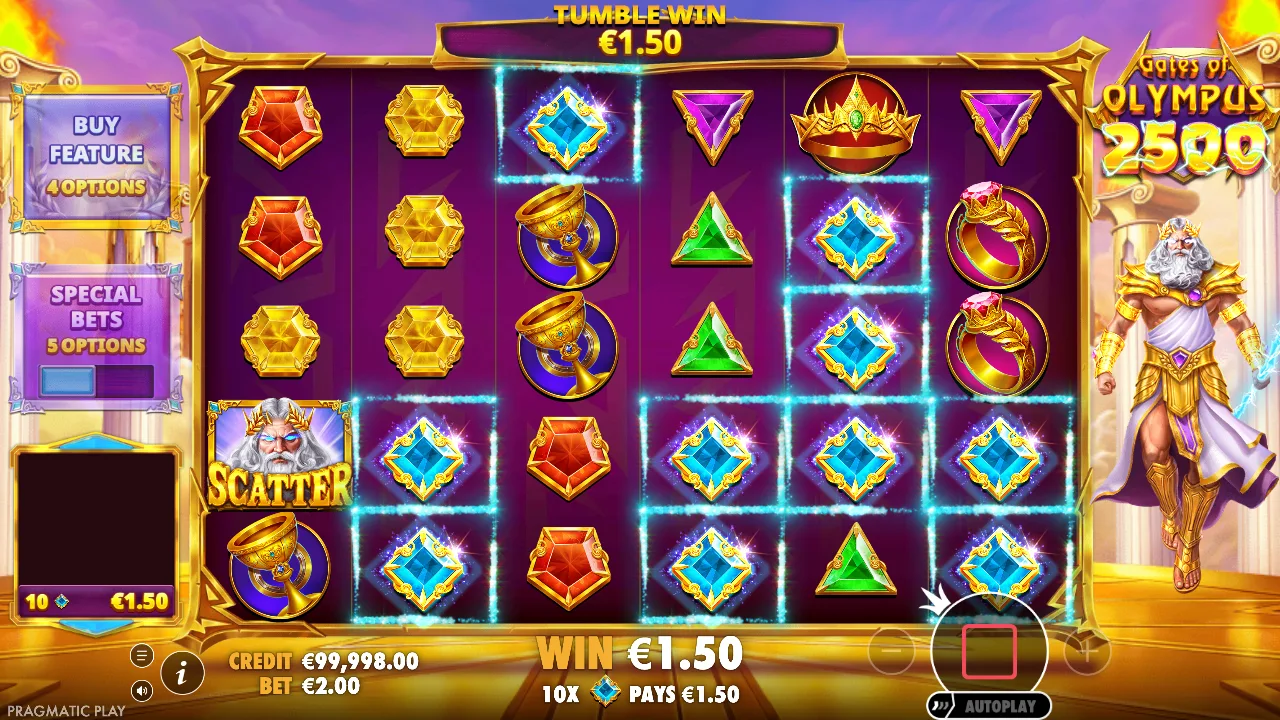
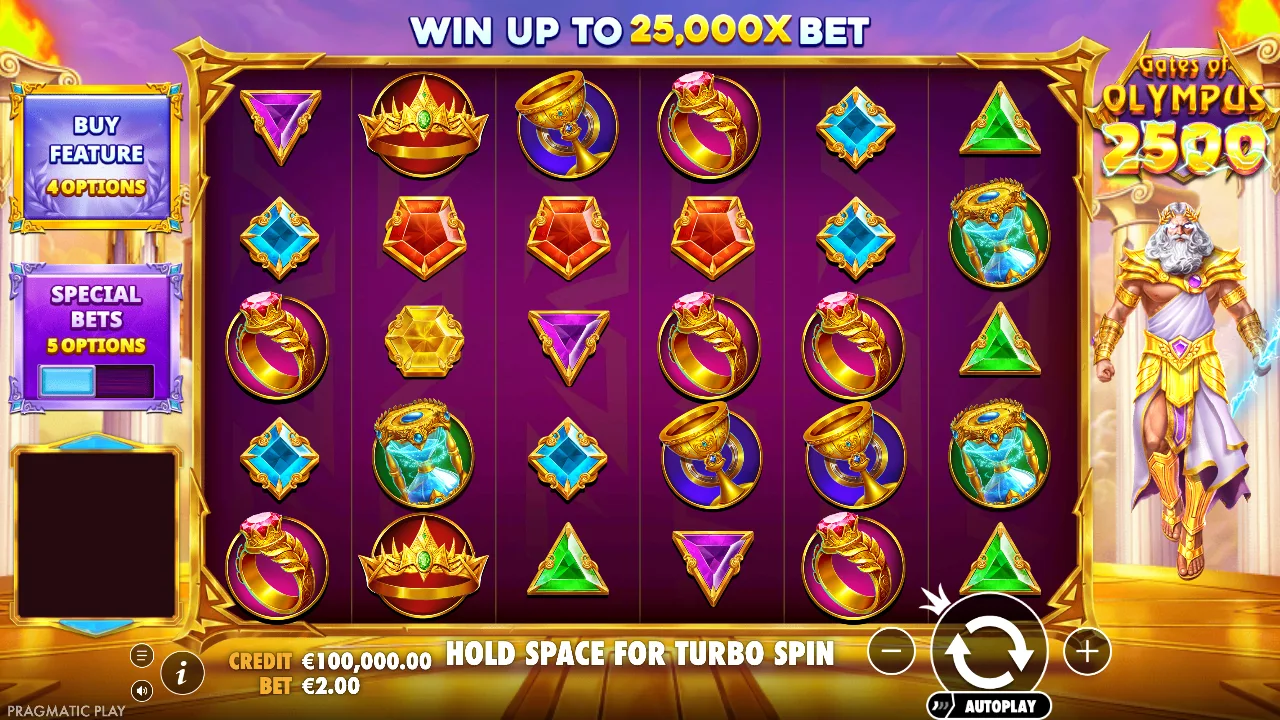
The screenshots in the guide retain the language of the original captured demo. They are reference images, so enlarging one helps identify a control but does not show the current state of your own game. Check your live balance and stake in the loaded game itself.
When loading or rotation causes trouble
If the demo stalls, first check the connection and try the direct provider link. A blocked external frame can differ from a game that loads but has unreadable controls. If rotation breaks the view, return to the previous orientation or close and reopen the demo after noting that virtual progress may reset.
Repeated refreshing is unlikely to fix a regional refusal. Do not assume a successful desktop load guarantees a phone load in every browser. This guide explains practical checks and access limits; it does not claim every device, country or operating-system version has been tested.
Keep a mobile session separate from daily life
Notifications, interruptions and short gaps in the day can make the passage of time harder to notice. Set a stopping reminder before opening the game and avoid paid play while travelling, working or caring for someone. Close the game if you cannot follow the stake comfortably.
A phone makes access convenient, but convenience is not a reason to relax spending limits. Demo credits can be replenished and cannot be withdrawn. Use them to learn controls, then leave once your question is answered; a comfortable interface does not establish that real-money play is affordable.
FAQ / OLYMPUS ATLAS
Good questions.
Clear answers.
Do I need an app from this site?
No. This site provides guides and links, not an Olympus app download.
Is every mobile demo guaranteed to load?
No. Availability depends on the provider, browser, device and location.
Explore the games
Virtual credits